LUNAR
Loading

Lunar VPN for Android fast protected connection
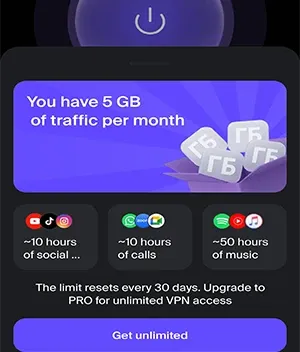
An everyday VPN for video, games, messengers, and safer browsing. Connect in one tap, use the starter 5 GB monthly limit, and route traffic with Split Tunneling.
Install the appInstall the app
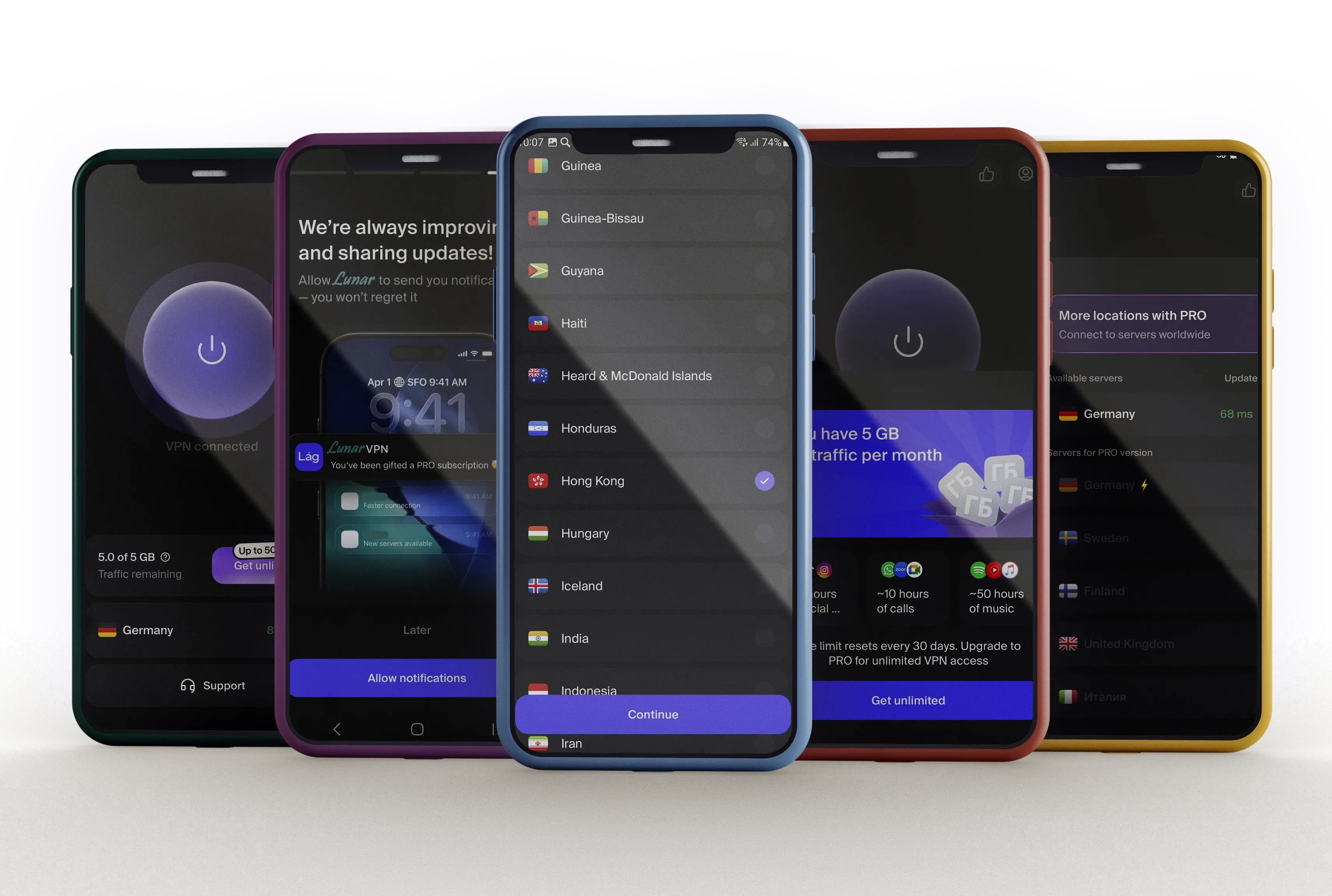
Lunar VPN features
for everyday internet use
Stable VPN connection for Android, a clean interface without ad banners, the modern VLESS protocol, and flexible settings for different apps.
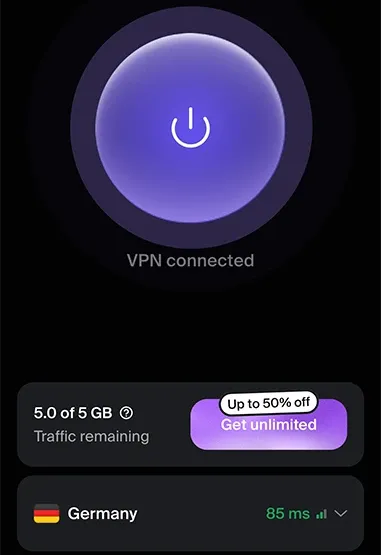
Fast VPN for daily tasks
Lunar VPN helps you quickly protect your connection at home, on the go, on public Wi‑Fi, or when using mobile data. The app keeps the start screen uncluttered and works well for everyday scenarios: video, games, messengers, social services, and regular browsing.
- One-tap connection without lengthy setup
- Stable performance on Wi‑Fi and mobile networks
- Clean interface without ad banners
Learn moreLearn more
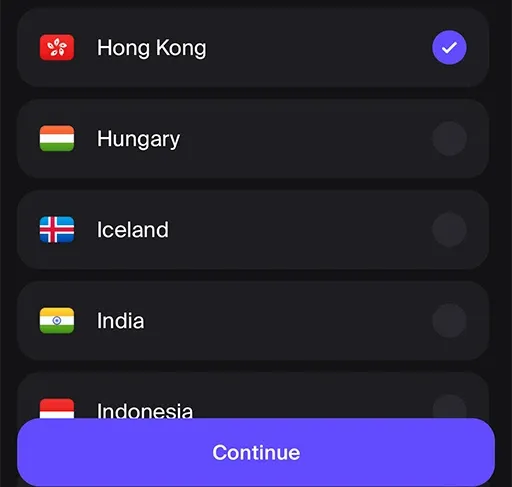
Split Tunneling and proxy scenarios
Route only selected apps through the VPN and leave the rest of your traffic direct. This is useful when you need a protected connection not for the whole phone at once, but for specific services, games, work tools, or messengers.
- Choose which apps use the VPN
- Flexible setup for specific tasks
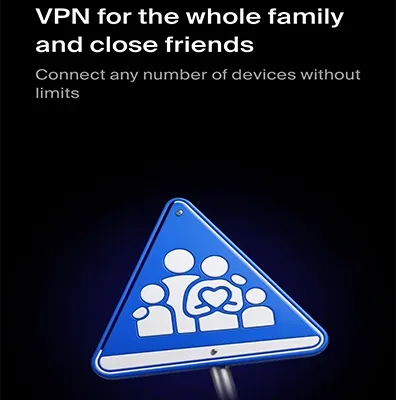
- Support for multiple devices within one account
Learn moreLearn more
Traffic protection without unnecessary complexity
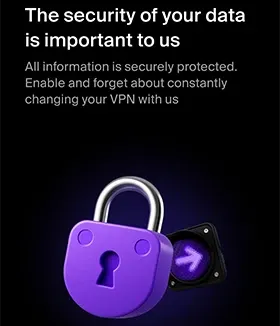
When Lunar VPN is enabled, internet traffic goes through a protected channel. This is especially useful on public networks and unfamiliar Wi‑Fi. We do not promise absolute anonymity, but we help make the connection more private and predictable.
- Connection encryption while the VPN is active
- Modern VLESS protocol
- Clear settings for Android users
Learn moreLearn more

Lunar VPN settings for different scenarios
You can use the app continuously or enable it only for specific tasks — from protected Wi‑Fi to games, video, and messengers.
Lunar VPN helps maintain a stable connection in everyday scenarios: watching content, communicating, using familiar apps, and browsing. Final speed depends on the network, selected server, and carrier load.
For games and interactive services, stability matters as much as speed. Lunar VPN focuses on fast startup, clear mode selection, and comfortable use on Android.
This feature lets you choose which apps use the VPN and which connect directly. For example, a messenger or game can go through the VPN, while a banking app or local service can stay direct.
Depending on the selected plan, Lunar VPN can be used on multiple devices. This is convenient when you need a protected connection on a smartphone, tablet, or another Android device.
A VPN improves connection privacy and helps you use the internet more safely across different networks, but it does not make you completely invisible and does not override the rules of websites, apps, or your country’s laws.
Lunar VPN user reviews
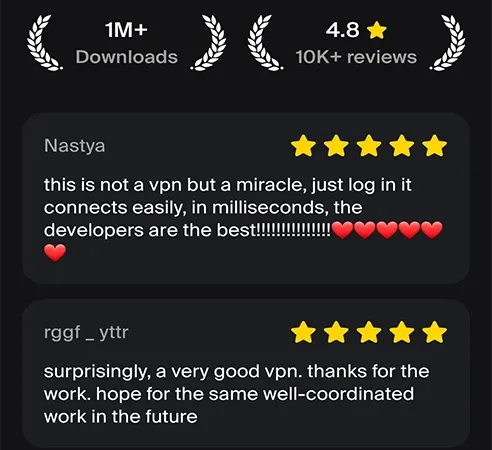
Users value the quick start, absence of ad banners, clear setup, and stable connection for everyday tasks.
I needed a phone VPN without endless banners or complicated screens. Lunar VPN connects quickly, Split Tunneling helps me avoid routing all traffic through the VPN, and the interface is clear even without technical knowledge.


I use it when traveling and on public Wi‑Fi networks. I like that the app does not distract me with extra pop-ups: I choose a mode, turn on the connection, and comfortably use messengers and video.

Elaine Chan
frequent travel
For games and social apps, stability matters. Lunar VPN does not require long setup, and the starter 5 GB monthly limit is convenient for understanding which connection mode works best for me.

Marco Lee
mobile games and social media
I do not like overloaded VPN apps. Here everything is simple enough: connection, scenario selection, clear plans, and settings for individual apps. For everyday use, it is exactly what I need.

Katherine Ho
everyday browsing

Lunar VPN plans
Choose the right data volume and feature set for your smartphone, multiple devices, video, games, messengers, and everyday browsing.
Starter
For first-time connection and everyday tasks.
 Starter 5 GB monthly limit
- VPN for one Android device
- One-tap connection
- Clean ad-free interface
- Basic support
Comfort
For active browsing, video, and messengers.
Popular
- Increased traffic volume
- Split Tunneling for selected apps
- Works on Wi‑Fi and mobile networks
- Scenarios for video, games, and social media
- Connect multiple devices
Max
For multiple devices and regular use.
- Extended traffic volume
- Priority connection stability
- Multiple-device support
- Flexible proxy scenarios
- Extended support
System requirements and technical information
Lunar VPN is designed for Android smartphones and uses the network permissions required for VPN connection, routing setup, and stable background operation.

Android 8.0 and above
The app supports Android 8.0+ devices; availability of specific features may depend on the smartphone model and system version.

Version varies by device
The current build is selected through Google Play according to the device configuration. Last updated: June 27, 2026.

5,000,000+ installs
Lunar VPN is designed for broad everyday use: Wi‑Fi, mobile networks, travel, work, video, games, and messengers.

Age rating 3+
The app has a 3+ age rating and is suitable for standard internet connection scenarios on Android.

Network permissions
Internet access, viewing network and Wi‑Fi connections, changing network settings, and startup on device boot may be used.

Device permissions
Phone status, storage, camera, vibration, and preventing the device from sleeping may be requested for stable service operation.
Connect Lunar VPN in minutes
Install the app, choose the right mode, activate the protected connection, and configure traffic for your tasks.
Download the appDownload the app